
# 🍻 NTS - Drunk & Hallucination System
Bring a new level of realism and immersion to your RedM server with **NTS Lenny**, the most advanced drunk and hallucination system. From simple intoxication to mind-bending hallucinations, this script offers a unique experience for every item.
### 🌟 Key Features
* **Multi-Mode Effect System:**
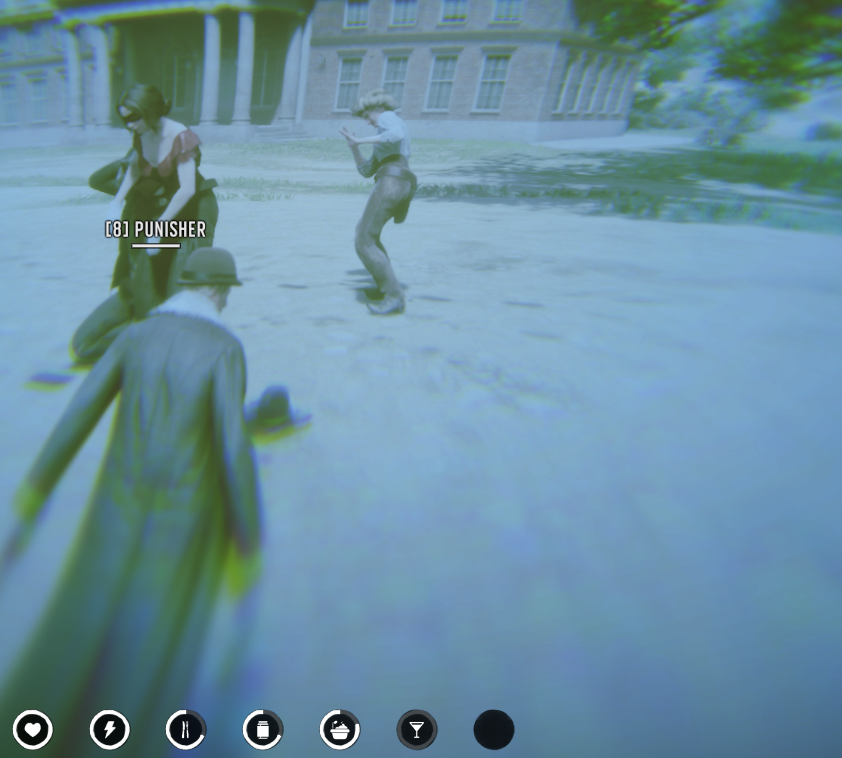
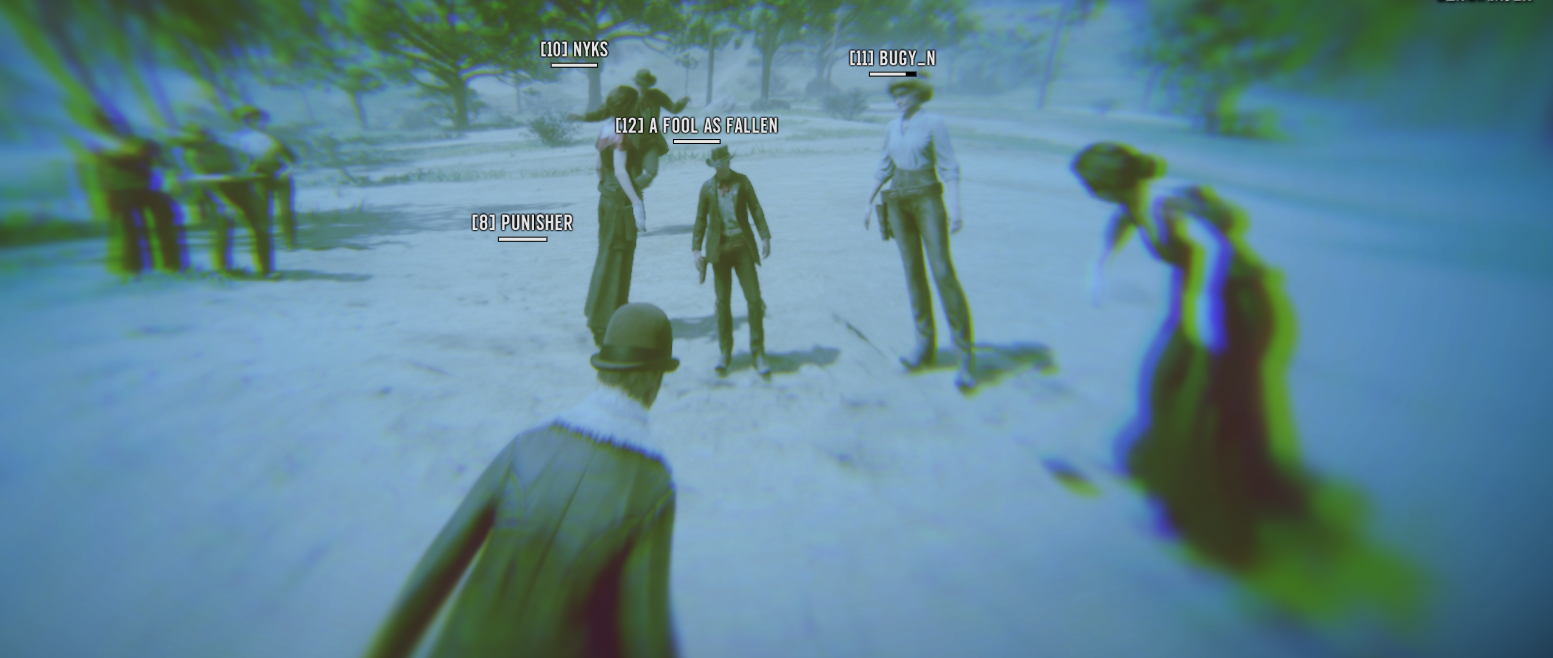
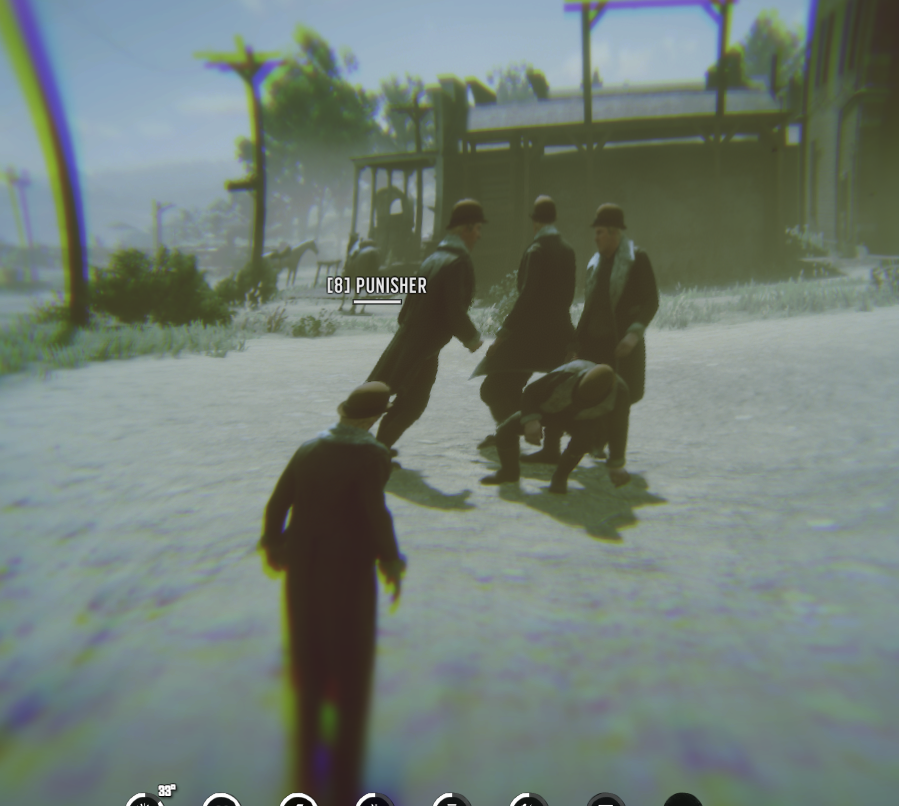
* **Alcohol (Mode 1):** Classic drunkenness with visual distortions and personal clones.
* **Magic Mushrooms (Mode 2):** See other players' clones and experience a flying sensation.
* **Light Drunkenness (Mode 3):** Subtle visual effects for low-alcohol beverages.
* **Whiskey Hallucinations (Mode 4):** Face your fears as animals and strange entities spawn around you.
* **Moonshine Intensity (Mode 5):** Extreme screen shaking and blur for the strongest spirits.
* **Immersive Animations:** Automatic drinking animations with secondary props (bottles, jars, mushrooms) and high-quality sound effects.
* **Metabolism Integration:** Deeply integrated with VORP/RSG metabolism. Effects can change thirst, hunger, stamina, and core health.
* **Hallucination Entities:** Custom NPCs and animals (Bears, Wolves, Wildmen, etc.) that spawn during strong hallucinations.
* **Dynamic UI/Visuals:** Screen blurring, color shifting, camera shaking, and unique "clone" effects that surround the player.
* **Stackable Durations:** Configurable duration extension when consuming multiple items.
### 🛠️ Technical Details
* **Framework Support:** Fully compatible with **VORP** and **RSG-Core**.
* **Highly Configurable:** Easily add new items, adjust durations, change spawn rates, and customize visual intensity via `config.lua`.
* **Developer Friendly:** Easy-to-use exports and events to trigger effects from other scripts.
* **Optimized:** Minimal CPU usage with efficient entity management and cleanup logic.
### 📋 Requirements
* VORP-Core or RSG-Core
* VORP-Metabolism (Optional for stats)
* VORP-Inventory or equivalent
### 🚀 Installation
1. Extract the resource into your `resources` folder.
2. Add `ensure nts_lenny` to your `server.cfg`.
3. Configure your items in `config.lua`.
4. Add the items to your inventory database.
---
### 🔗 Links & Media